ATHENA 2021 > Commands and functions > Block > Index
  
Index
Ribbon:
Tab ATHENA > Group Label > Index
Menu:
ATHENA > Block > Index
Toolbar:
ATH Block > Index
Command input:
ath_plan_index
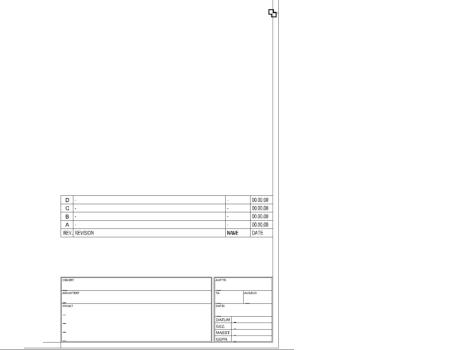
You use this command to insert an index as a block with attributes into the current drawing.
ath_index
Index field
Input request 
Specify insertion point or [?]:
Use the mouse or enter co-ordinates to specify the insertion point.
With the option ? you call the help.
Note 
Use Modify object to edit the index.
You can use an index field of your own or modify the existing one. To do this, edit the file ATHENA\DataLocal\ath_index.dwg.
The texts of index fields, are saved in multiple languages. You can display the text in another language with the command Set text language.
Associated commands
Insert drawing frame