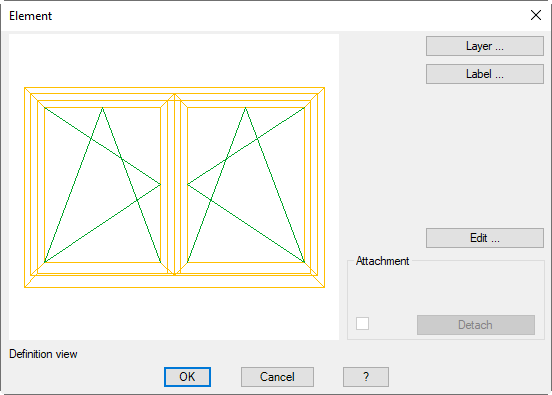
Opens the Dialog box Label. You will find further information on this in the Chapter Label.
Edit
Opens the Dialog box Element. Here, you can modify the frame element properties. You will find further information on this in the Chapter Edit element.
Frame elements, which have been inserted with the Apply element command, are linked to the saved library object. Before you can modify them, they must be released from the library object.
Dialog box section Assignment
When a link to a saved object exists, its name is shown here.
Detach
Releases the frame element from the saved library object. You can then edit its properties.
Detachment occurs immediately and cannot be discarded by closing the dialog box with Cancel.
End of program
OK closes the dialog box and the changes are implemented. Cancel closes the dialog box and the changes are discarded (with the exception of Detach).