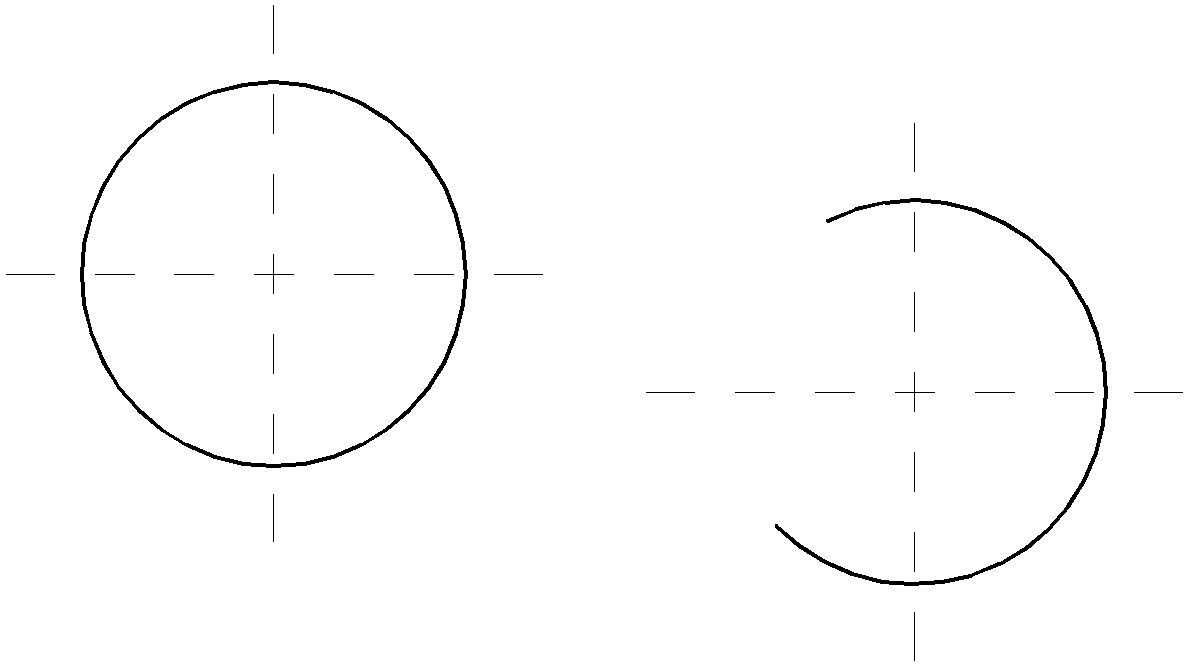
With this command you can produce the center lines of a circle or arc. Center lines are ARX objects which are associatively coupled to the respective circle or arc.
When you start the command, the following appears:
ath_zent
Center lines
Input request
Overlap: 4
Select arc or circle or [Settings/?]:
The current overlap is displayed. Select the arc or circle for which center lines are to be created.
Use the Option Settings to change the overlap or the layer of the center lines.
With the option ? you call the help.
Option Settings
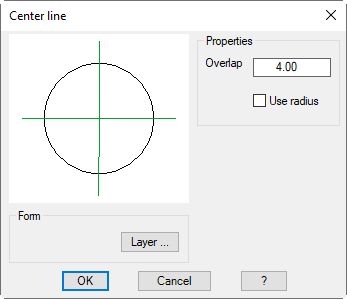
Dialog box Center lines
db_ath_dimcen
Dialog box section Properties
Overlap
Defines the length of the overlap of the center line.
Use radius
Uses the radius of the selected circle as the overlap.