Tab ATHENA Modeling > Group Orientation > Model Inspection
Menu:
Modeling > Manage > Model Inspection
Toolbar:
ATH Manager > Model Inspection
Command input:
ath_c3d_audit
Used for checking constructions, e.g. before generating production documentation.
When you call the command, a dialog box appears where information about axes, bars and frame elements, as well as their assignment to jobs is displayed. Optionally you can mark or edit objects.
Dialog box Model Inspection
db_ath_c3d_audit
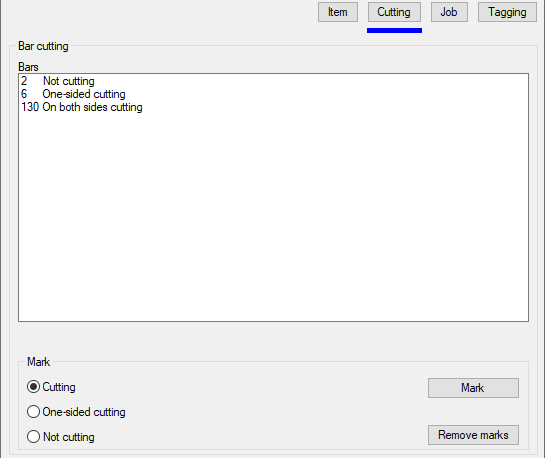
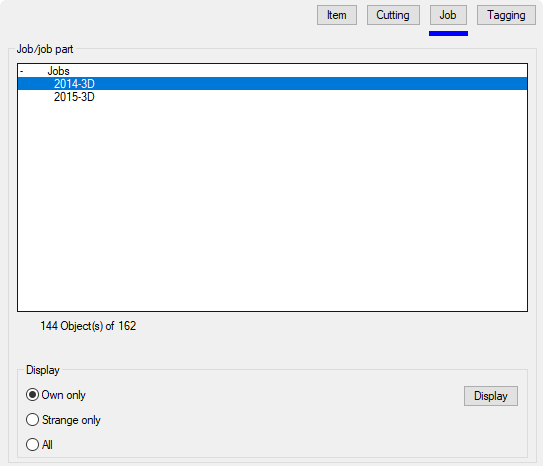
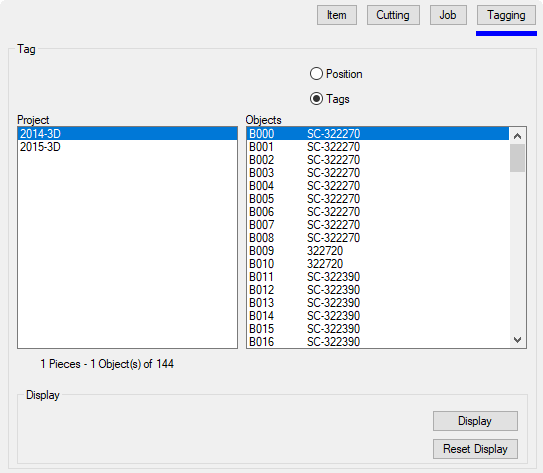
The dialog box contains the following register buttons:
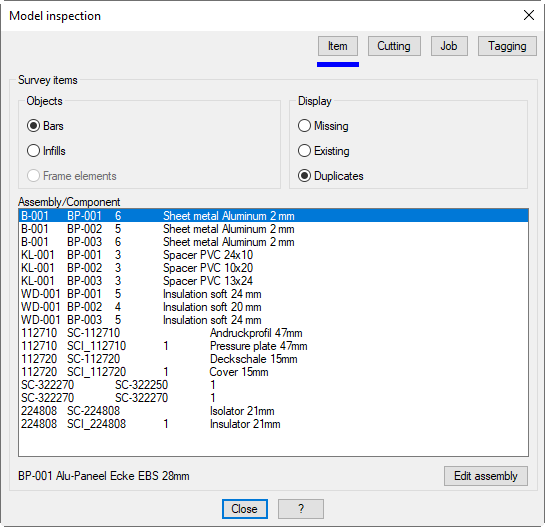
Lists the bar assemblies which are located in the drawing.
Infills
Lists the infills which are located in the drawing.
Frame elements
Lists the frame elements which are located in the drawing.
The display adjustment operates in conjunction with the display of the objects!
Dialog box section Display
Missing
Shows objects (bars, infills or frame elements) without item number. An item number is essential for the output.
Existing
Shows objects (bars, infills or frame elements) with item number.
Duplicates
Shows objects with item number which are multiply used. For example components which are referenced in many bar assemblies.
Assembly/component list
Lists the objects which are found according to the setting of object and view. The item numbers, assembly names, quantities and designations are displayed depending on the setting and object type. To be able to edit an object you can select it here and then click on the Edit assembly button.