• For an installation on the server. After Setup has copied the required files into the network folder, you must create an ATHENA profile at each workstation on which the ATHENA 2021 is to be used.
• For an installation for another AutoCAD version. If you have installed many AutoCAD versions on the computer, you must create an ATHENA profile for each further version which is to be used.
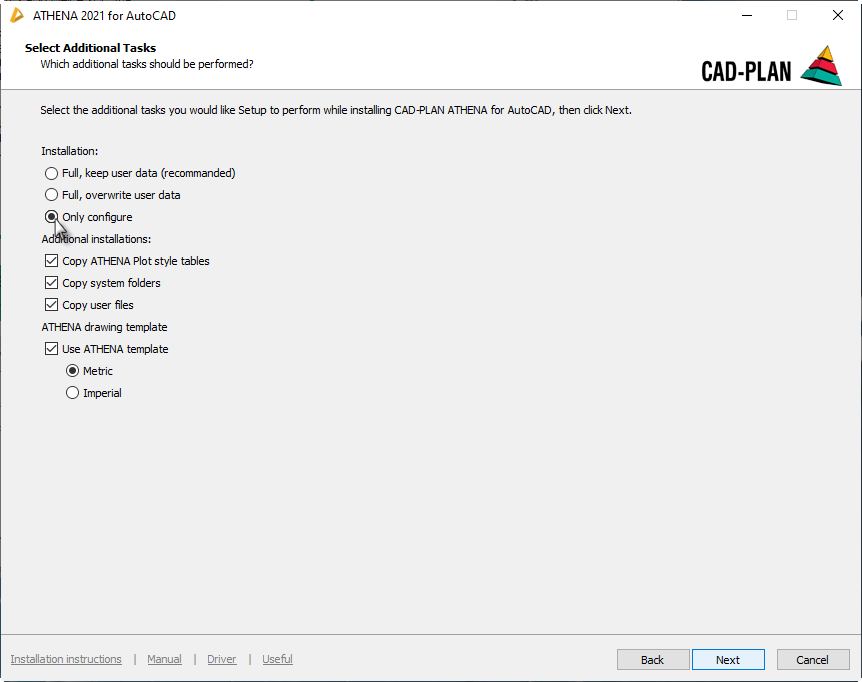
To do this, start the ATHENA Installer and proceed as described in Section Installing ATHENA 2021 on a single-station computer. Activate the option Only configure in the dialog box Select additional tasks.
Installation: Only configure
db_ath_setup_configure
All other steps are identical to the steps for a standard installation.