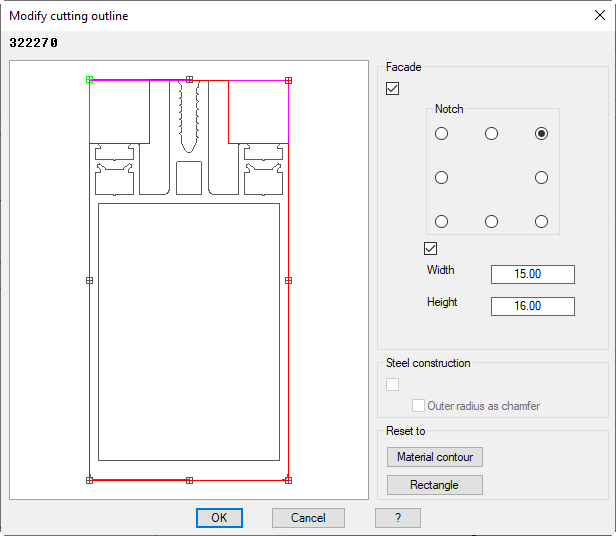
Activates the facade mode where you can define rectangular notches by parameters. The current cutting outline is displayed in the color of magenta. When you define a notch, the cutting outline is recalculated and shown in red.
Notch
Defines the notch position.
Width
Defines the notch width.
Height
Defines the notch height.
Dialog box section Steel construction
Activates the steel construction mode. When you activate this tick box, all internal radii are replaced by chamfers in the cutting outline.
Outer radius as chamfer
Replaces all external radii by chamfers.
Dialog box section Reset to
Material outline
Deletes the existing cutting outline and resets it to the material outline (outer outline of the component).
Rectangle
Deletes the existing cutting outline and resets it to the enclosing rectangle of the component.
Previously defined notches cannot be removed or manipulated individually. To carry out changes you must reset the outline (to the material outline or rectangle) and redefine the notches.