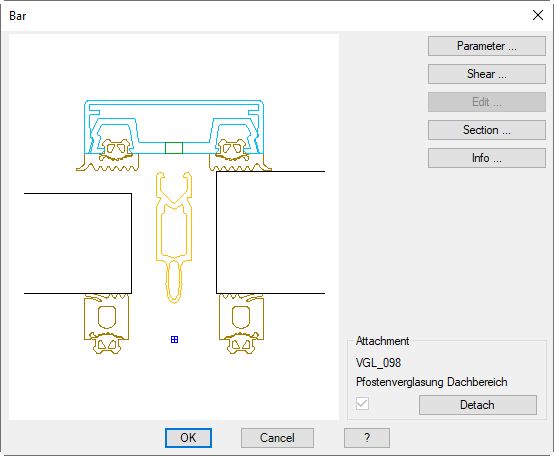
In this dialog box you can modify various properties of an inserted assembly section. This dialog box is activated when you double click a bar assembly in the drawing.
If you want to edit an assembly with the bar assembly manager, you must first release it. Changes only affect the selected bar assembly. If you would like to apply modifications permanently to other bar assemblies, you must save the bar assemblies under a new name.
Lists the components of the active assembly. To do this, the Dialog box Component parts is opened. You will find further information in the Chapter Info.
Detach
Detaches the object assignment for the assembly definition. When you release the attachment, the switch is deactivated.